AI autocomplete
TextCompleter can suggest the next words while you type, with controls for prediction length and trigger behavior.
A calm rich text editor for drafting, polishing, translating, dictating, saving, and exporting work without leaving the writing surface.
The page reflects the real app: a focused editor, an action palette, AI transforms, voice input, local export, and cloud documents.
TextCompleter can suggest the next words while you type, with controls for prediction length and trigger behavior.
Select text and run focused transforms for polishing, rewriting for clarity, and fixing spelling.
Translate selected content through the editor actions, including Dutch, English, Spanish, French, and German workflows.
Use the command palette and keyboard shortcuts to open files, search actions, format text, and run editor tools.
Dictate into the editor and choose whether to insert the transcript directly or polish it first.
Work with local files, cloud documents when signed in, and PDF export from the editor.
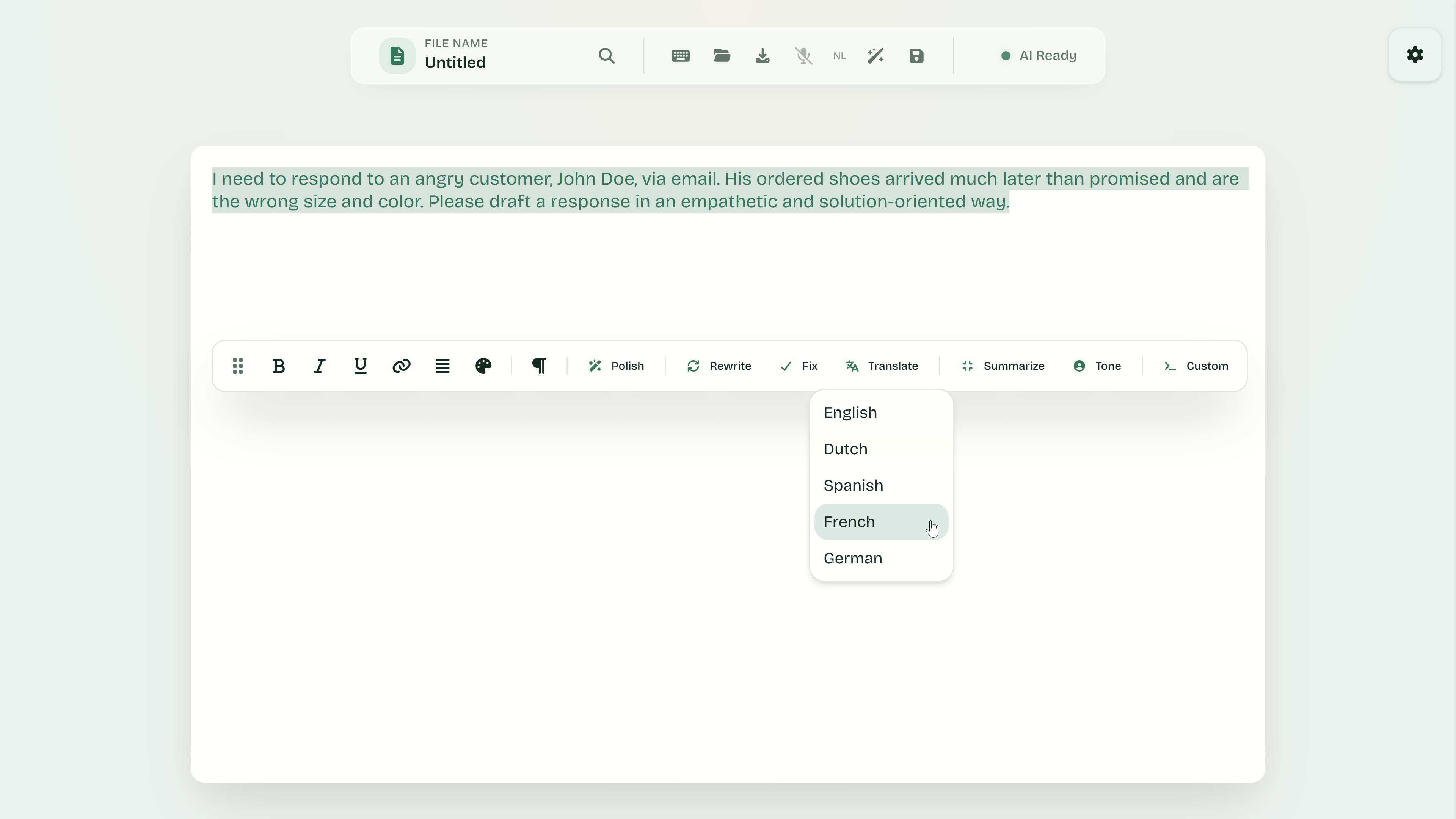
The editor exposes targeted actions for the work that happens after a draft starts: polishing, rewriting, fixing spelling, and translating selected text.
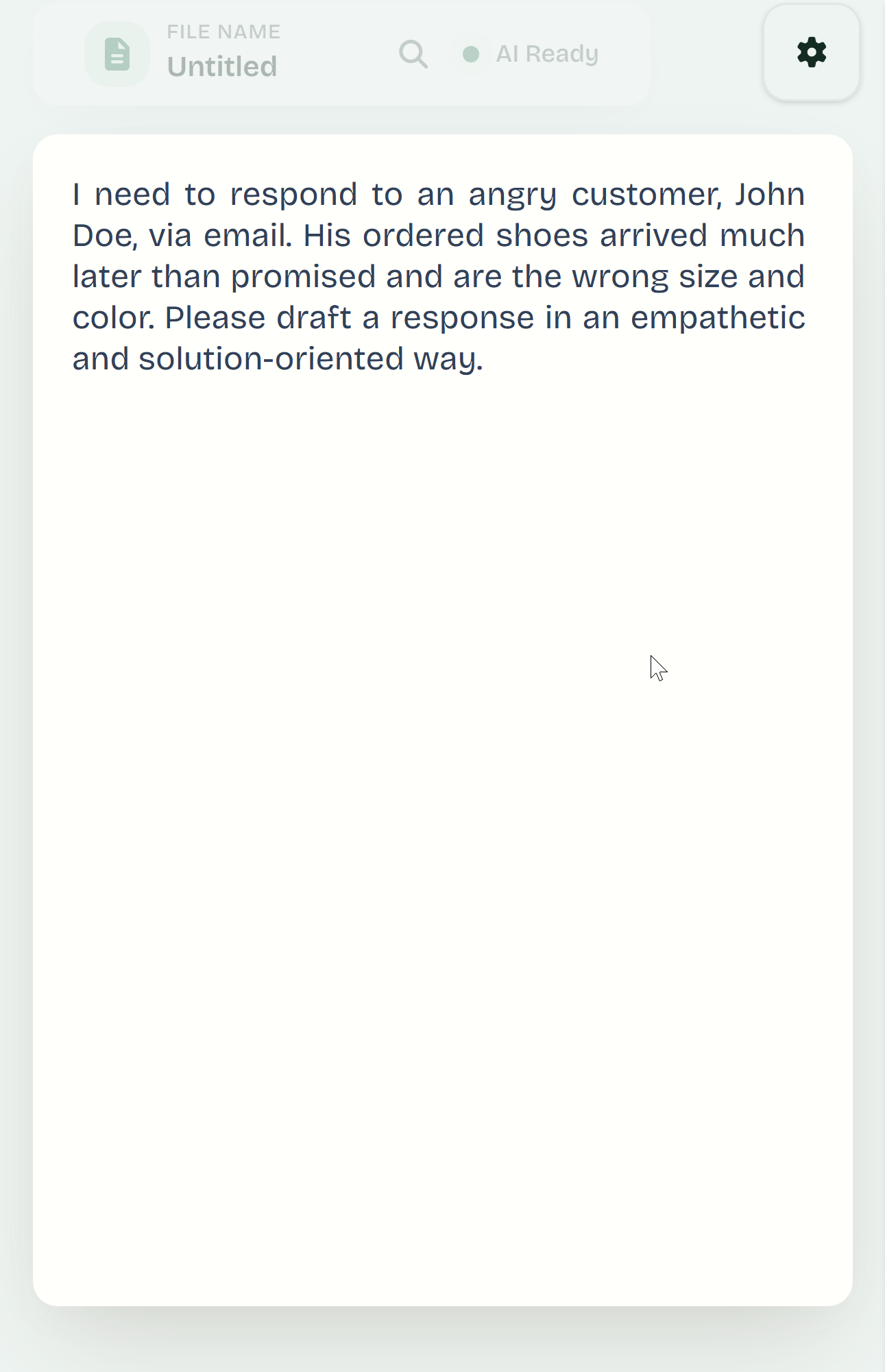
TextCompleter runs in the browser with a responsive editor surface, a settings panel, and document controls that stay close to the work.
The editor, toolbar, documents, and settings are designed to remain reachable across desktop, tablet, and smaller screens.
Save locally, export to PDF, or sign in to use cloud documents and usage tracking inside the app.
The app includes web app metadata for an installable, browser-based workflow where supported.
TextCompleter uses usage limits inside the app. The free plan lets you try the workflow; Pro raises the monthly display limit.
Try the editor and AI tools with a free usage limit.
Increase your monthly AI usage room for regular writing.